Create your Fourthwall account
Updated April 3, 2026
Quickly sign up and get started with Fourthwall in just a few steps!
This article will guide you through creating your Fourthwall account directly on the website. It's a quick and easy process, and you'll be ready to explore the platform in no time.
Step 1: Access the signup page
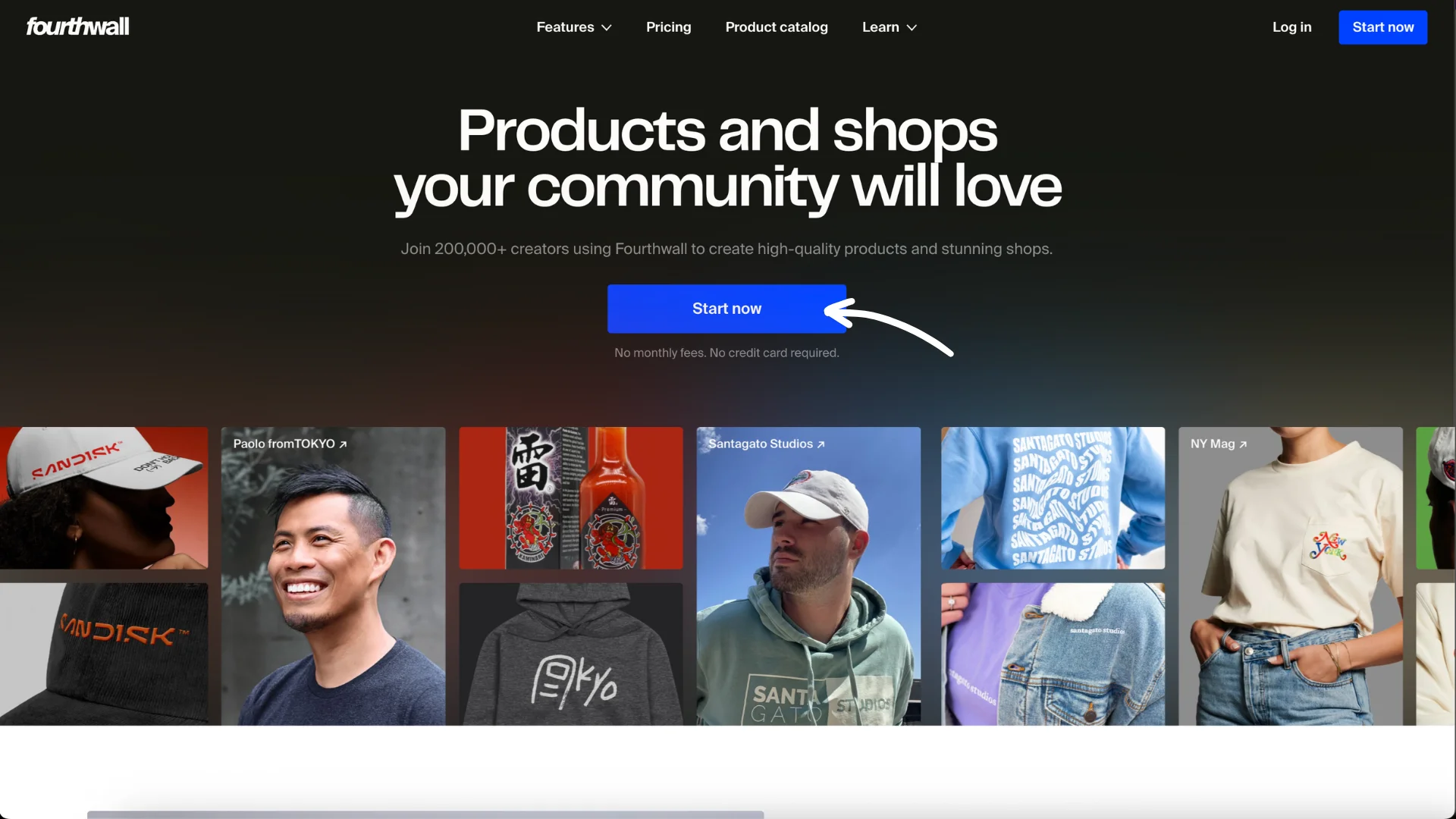
Head to Fourthwall and click Start now.
Step 2: Choose your signup method
You can sign up with:
- Apple

Follow the initial on-screen prompts to connect your account.
Step 3: Set up your profile (pre-onboarding)
After signing up, you'll be asked for a few details:
- What best describes you: Choose from the following:
- Content creator
- Business
- Group
- Artist
- Individual
- Agency
- None of the above

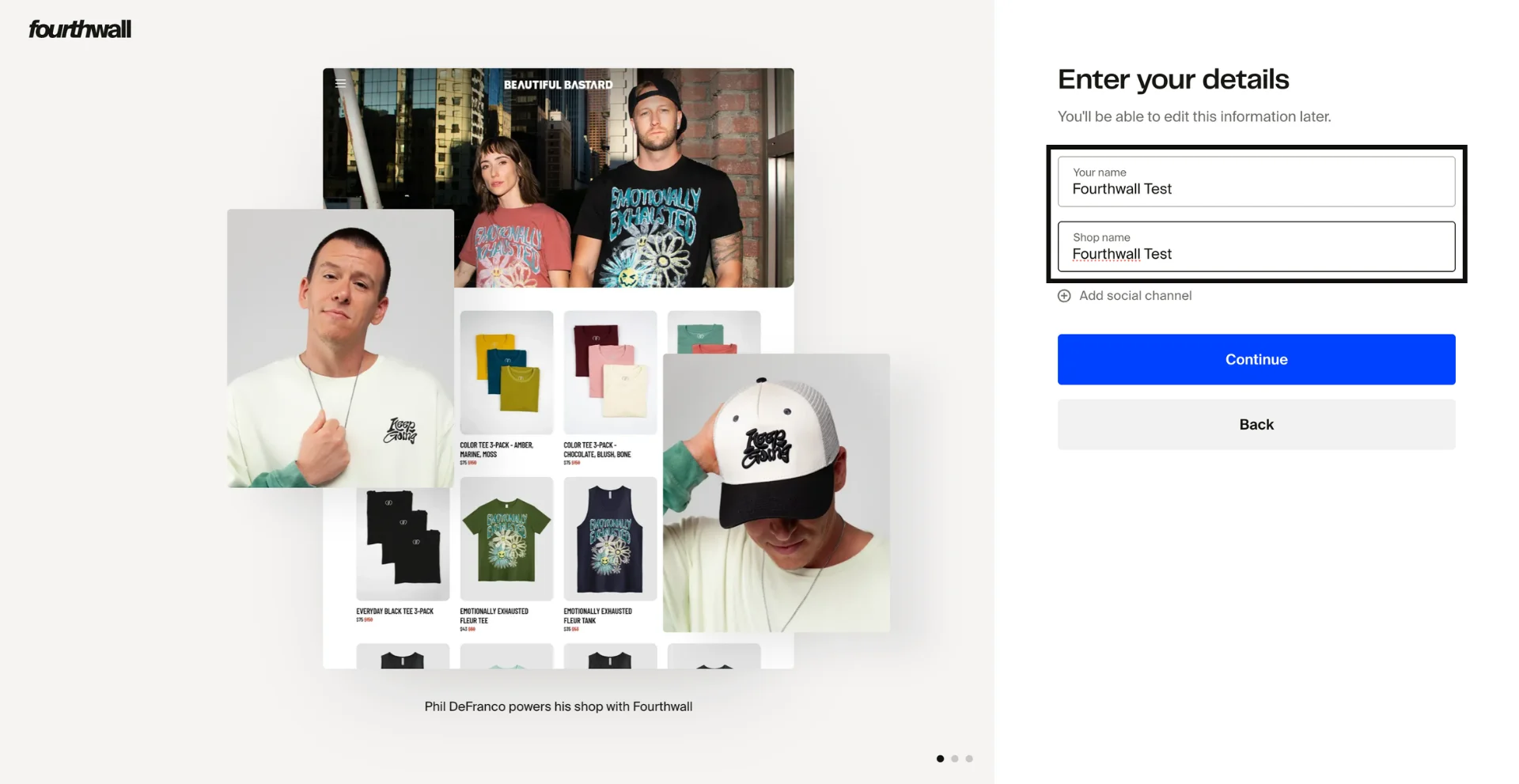
- Your name and Shop name: The name you enter here becomes your Creator name, which customers see during checkout and on marketing emails. The Shop name becomes your Site title, which appears in browser tabs and search engine results. You can change both later in Settings > General.
- Social channel (optional): The social platforms you can be reached on. Here, you'll select the primary platform where most of your audience engages with you (e.g., YouTube, Twitch, Instagram, etc.).
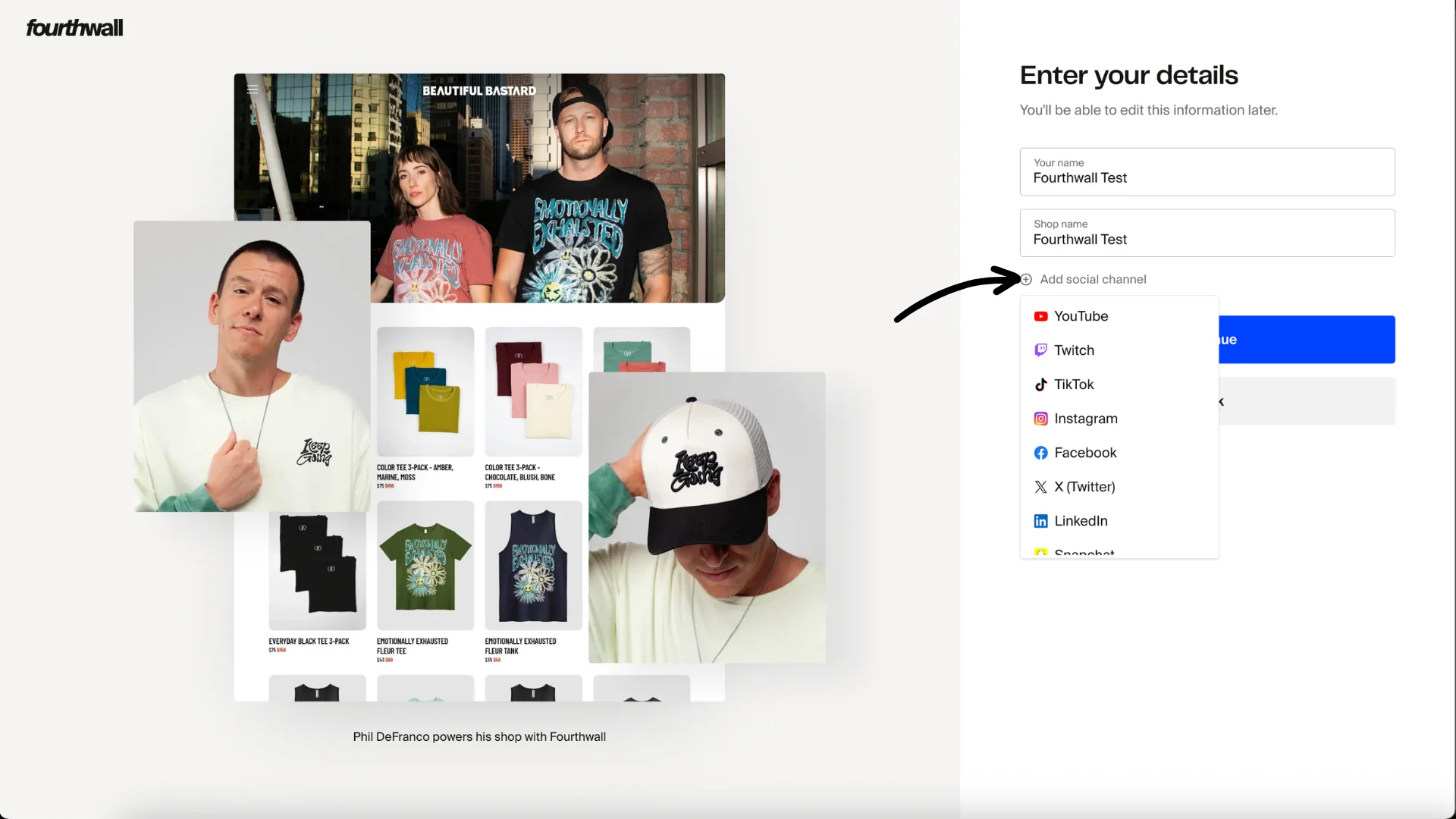
Note: Even if you're active in multiple places, pick the one where your audience engages most.
Click Continue, and you'll be directed to your Fourthwall dashboard. You can close your browser for now.
What customers can see
Fourthwall keeps your personal account information separate from what your customers see. Here is how your profile fields work:
- Creator name (set in Settings > General): Visible to customers during checkout and on marketing emails. This is the public-facing name that represents you.
- Site title (set in Settings > General): Appears in browser tabs and search engine results. It has a maximum of 70 characters.
- Full name (set in Account settings > General): Used internally by Fourthwall only. Customers cannot see your full name.
- Account email (shown in Account settings > General): Used for login and email verification only. Customers cannot see your account email address.
Your Creator name is the only name customers see. If you want to use a brand name, stage name, or alias, set it as your Creator name in Settings > General. Your full legal name stays private in your account settings.
Step 4: Verify your email
Fourthwall will send a confirmation email. Click Verify email address to complete the setup.
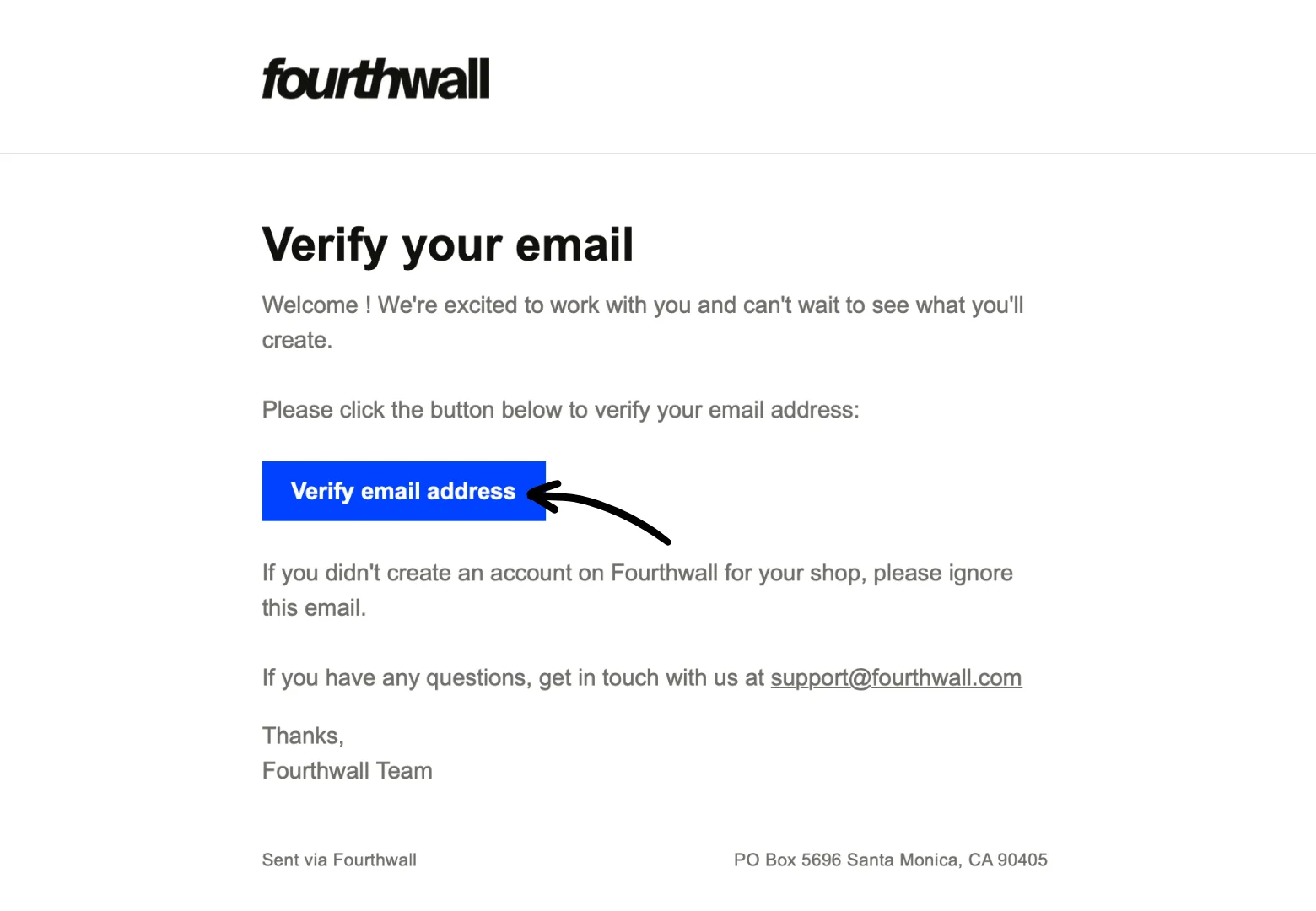
This will reopen your Fourthwall dashboard, where you can continue onboarding, such as creating your first product and customizing the look of your Fourthwall site, and explore the other features we offer!

That's it! Your Fourthwall account is up, and you're ready to move to the next steps.