Shop credit
Updated October 21, 2026
Learn how Fourthwall shop credit works, how to earn it through Pro, Affiliate Plus, or promotions, and how to check your balance
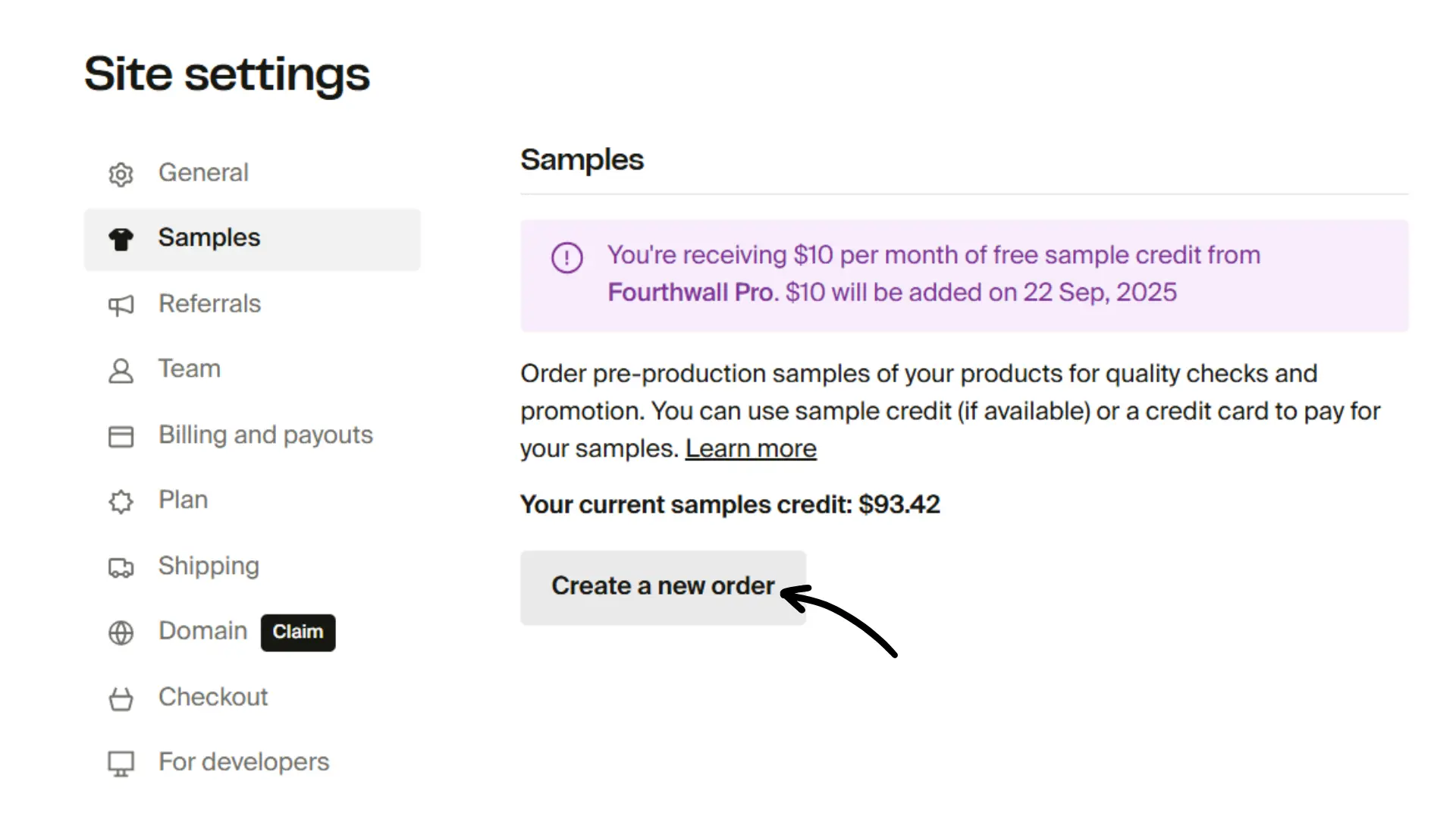
Shop credit lets you cover the manufacturing cost of pre-production samples without paying the full price upfront. Credit isn't issued automatically just for having an account. You earn it through a Fourthwall Pro subscription, the Affiliate Plus Program, or occasional promotional campaigns. Track your balance directly from your dashboard.
Shop credit covers the manufacturing cost of your sample only. Shipping is billed separately at the carrier's actual rate and is not subsidized by your credit balance.
How to earn shop credit
There are three ways to add shop credit to your balance:
- Fourthwall Pro subscription: For $19/month, Pro subscribers receive $10 in shop credit each month. Credit is added automatically and rolls over from month to month.
- Affiliate Plus Program: Earn sample credits by referring new creators who sign up with your link. See Fourthwall Affiliate Plus Program for details.
- Promotional campaigns: From time to time, shop credit may be awarded for meeting product or sales milestones. These are limited-time offers with their own eligibility rules and aren't always available.
If you don't have credit from one of these sources, samples are paid in full at checkout.
How shop credit works
- Roll over: Shop credit never expires. It accumulates month to month until you use it. If you downgrade from Fourthwall Pro, new credit stops accumulating, but your existing balance stays available.
- Covers manufacturing only: Credit applies to the product cost of your sample, not shipping or other fees.
- Tied to your shop: Credit can't be transferred between accounts or cashed out.
How to use shop credit
- Use shop credit to cover the manufacturing cost of pre-production samples or regular items from your shop.
- Shipping is added to your order at the carrier's actual rate and charged to your credit card. Shop credit doesn't offset shipping.
- If the order costs more than your available credit, pay the balance with your credit card.
- Orders can combine credit + card payment if needed.
International creators: Shop credit does not offset international shipping charges. International orders are billed at the full carrier rate regardless of your credit balance, since carriers set the actual cost and Fourthwall doesn't subsidize shipping.
How to check your balance
Your shop credit balance shows up in three places in your dashboard:
- Place order button: The Place order button sits in the top bar of your dashboard. When your balance is above zero, your available credit shows on the button itself (for example, "$202.16 credit"), so you can check it without opening anything. Click the button to open the order panel, where your credit also appears at the top.
- Checkout: Your shop credit is shown on the checkout page and applied automatically to your order total.
- Home tab: On the home tab of your dashboard, the Order products for yourself box shows your current shop credit alongside a Place order button.
To start an order, click Place order from the top bar or the home tab, or open the order panel and click Choose products to order. For full instructions, see Order samples.


Limitations to keep in mind
- Shop credit can only be used for orders placed through your dashboard, not regular Customer orders. You can place an order and ship it to anyone you'd like.
- Credit is non-transferable and can't be cashed out.
- Promotional shop credit (for example, from campaigns) may have eligibility requirements and won't always be ongoing.