Reset your password
Updated November 19, 2025
Easily reset your Fourthwall account password if you’ve forgotten it
note
If you signed in with any of the available social accounts, you'll need to reset your password directly through their platform.
Reset your password
- On the login screen, click Forgot password? at the bottom.
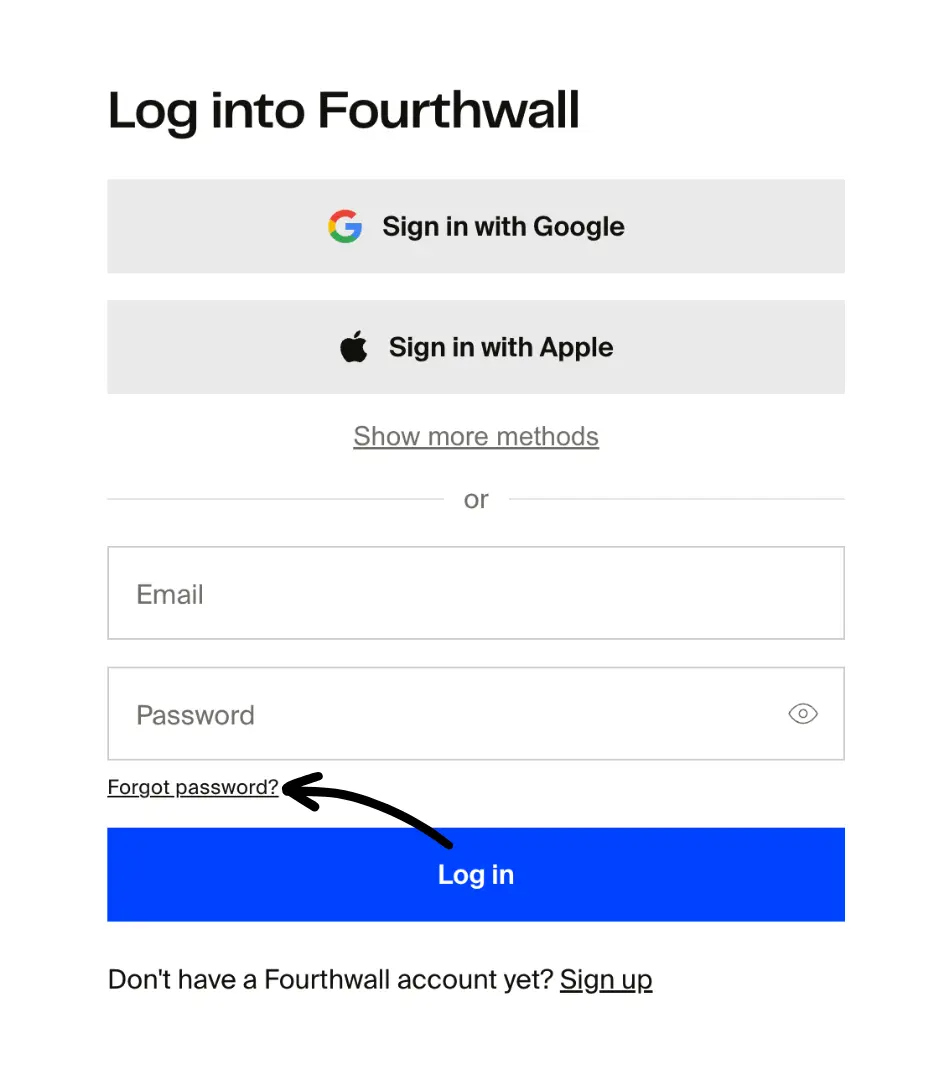
-
Enter the email address associated with your Fourthwall account and click Reset password.
-
Open the email sent to your inbox and click the link to the page where you can enter your new password. The reset link will expire after 5 minutes, so be sure to use it right away.

tip
If you don't see the email within a few minutes, check your spam or promotions folder.
- Enter your new password and click Confirm. You can choose to log out on other devices if you want to.

That's it! You've successfully changed your Fourthwall password. You can now log back in as usual.
Was this helpful?