Laylo
Updated March 25, 2026
Use Laylo to sync your customer audience and automate drop notifications
Laylo helps you announce and promote drops directly to your customers, and you can integrate it with your Fourthwall site in just a few clicks.
tip
Bonus perk: As a Fourthwall creator, you automatically get 5,000 free Laylo credits to promote your drops!
How to set up the Laylo integration
-
In your Fourthwall dashboard, go to Settings > Apps > Laylo.
-
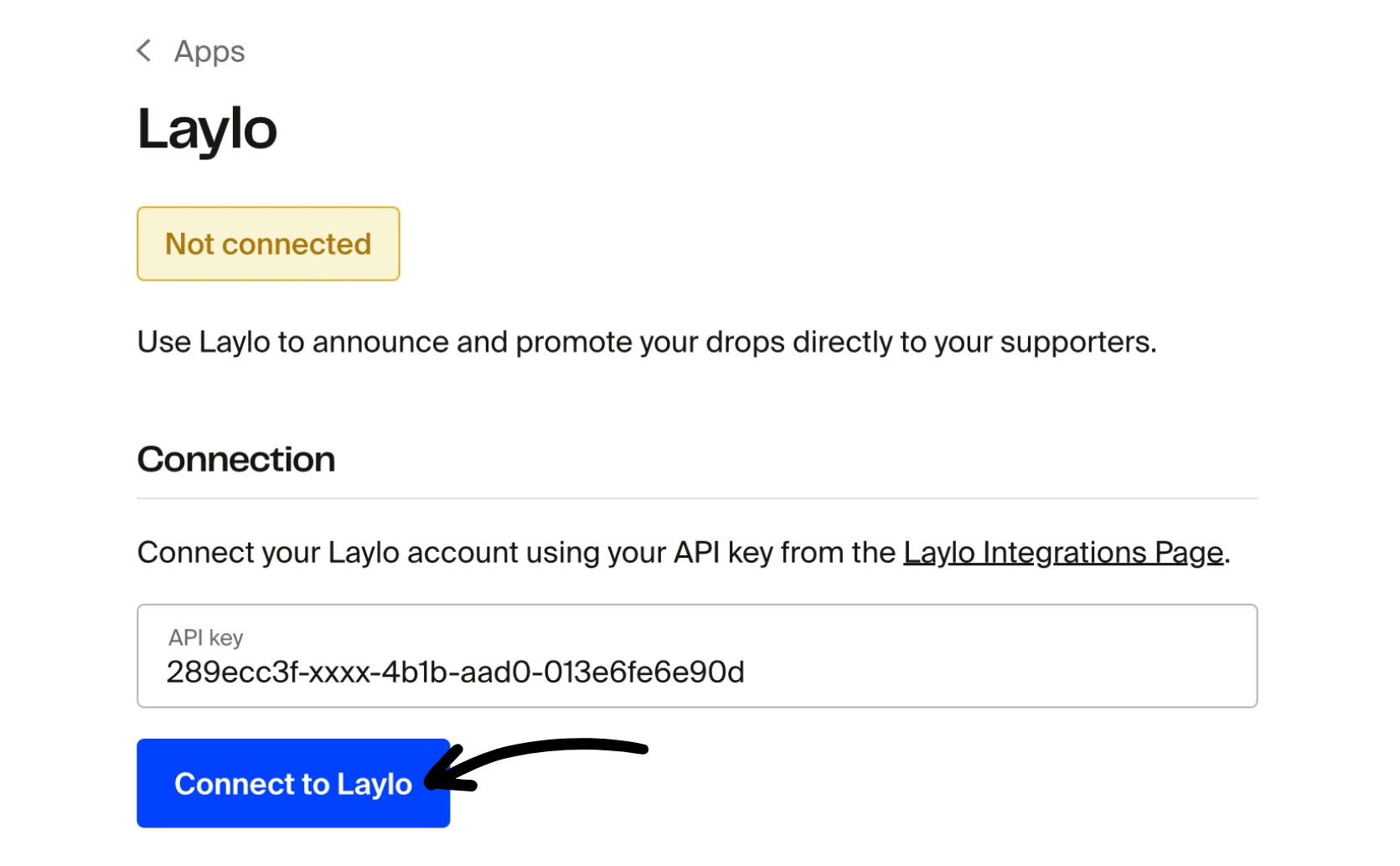
Under the Connection section, enter your Laylo API Key.
-
Click Connect to Laylo to finish setup.
What syncs to Laylo
Once connected, Laylo will automatically receive:
- Emails from new customers who opt in to email marketing
- Emails from new mailing list signups
Was this helpful?