Change your social sharing image
Updated April 14, 2026
When you share your site link on social media, via text, Discord, etc, you sometimes see a preview image that showcases your site. By default, Fourthwall generates an automatic social sharing image for your site, but you can customize it to showcase your brand better.
Why Add a Custom Social Sharing Image?
- Makes your site link more visually appealing when shared online.
- Helps in branding and recognition across social media platforms.
- Gives you control over how your store appears in previews.
Adding a custom image as a social sharing image
-
To update your social sharing image, go to Settings > General and scroll down to the Site Details section.
-
You will see an option to add a social sharing image by dropping or selecting a file from your computer to add.
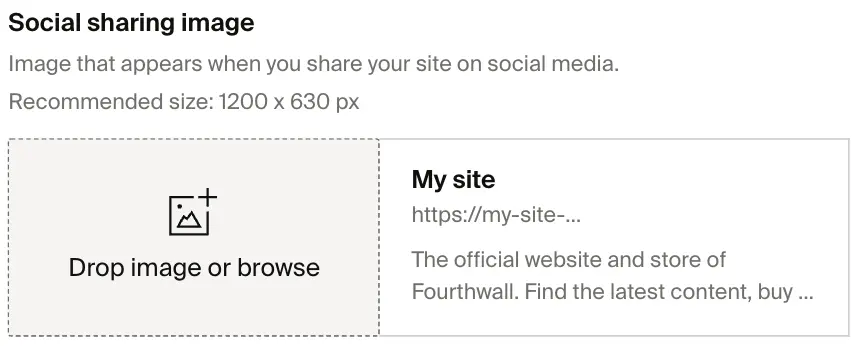
For best results, we recommend using a PNG or JPEG file with a size of 1200 x 628 px.
And now, when your site link is shared online, it will have a cool image to go along with it!
Was this helpful?