Customize password-protected shops
Updated April 14, 2026
Give your audience a sneak peek of your shop while keeping full control of access and design
This guide walks you through how to customize your shop while it's in Coming soon or Password-protected mode.
Enable and customize "Coming soon" mode
-
From your dashboard, go to Site design > Layout.
-
Click the Live button in the top-right corner and select Coming soon from the dropdown.

- Save your changes.
tip
You can also password-protect your shop. This can be useful if you want to give select people early access.
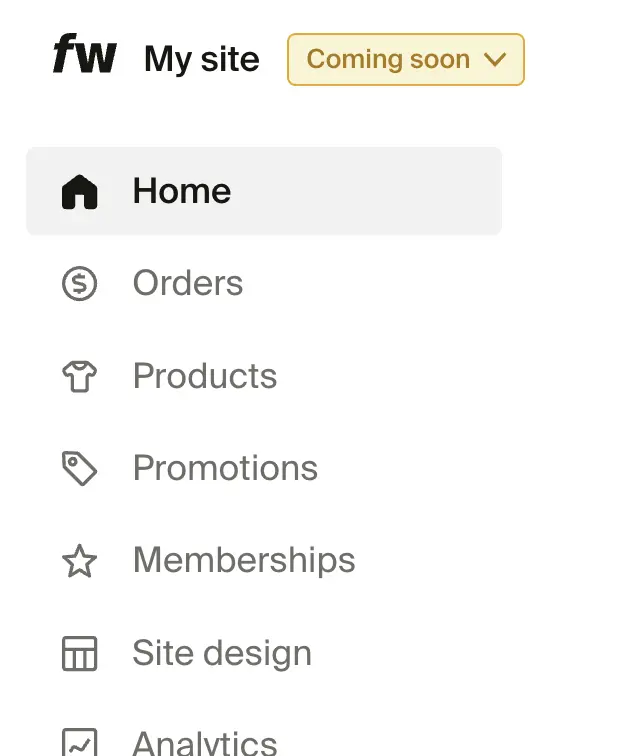
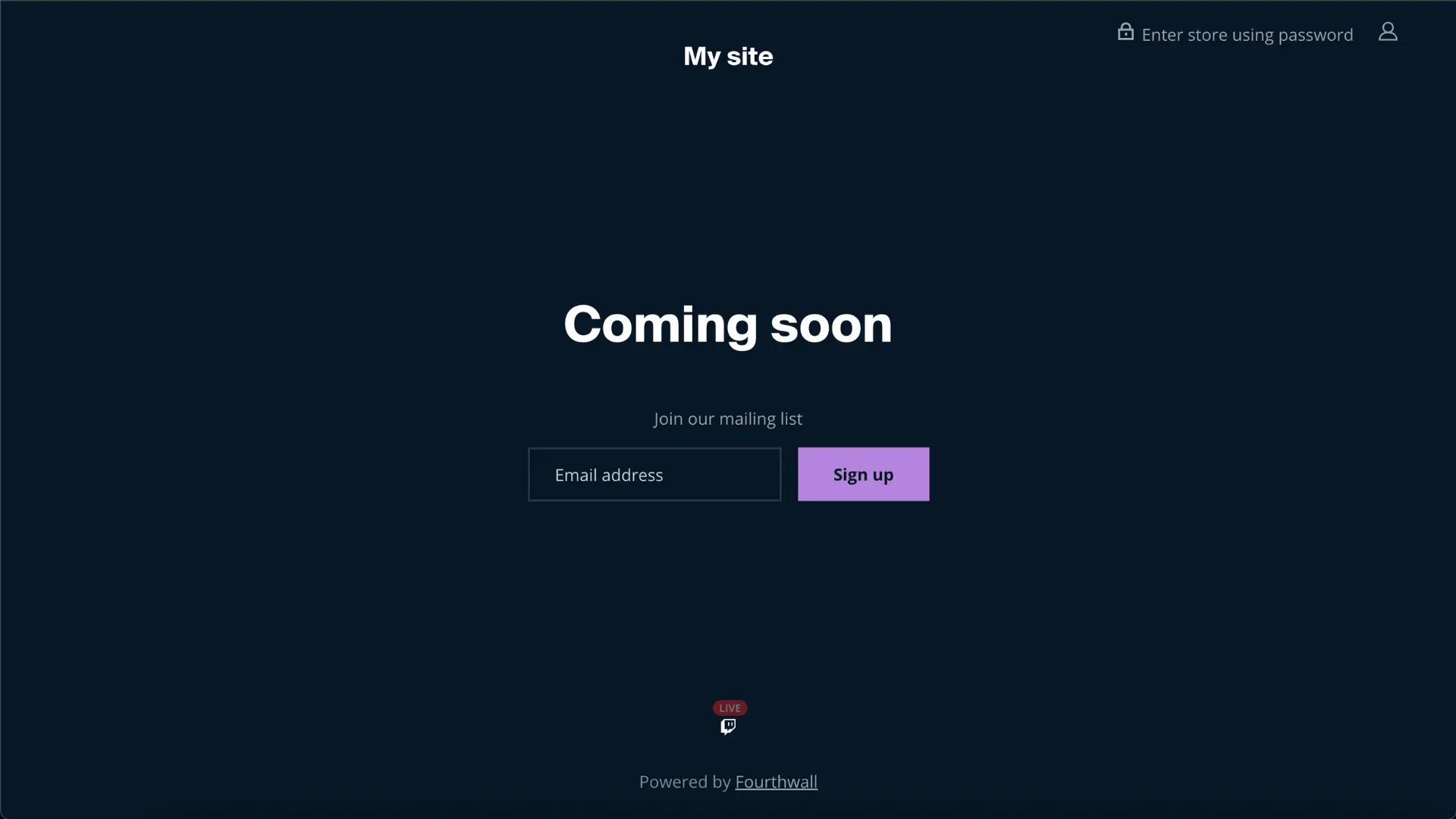
Once you select Coming soon or set a password, the green "Live" button will update to show that your shop is "Coming soon."
note
If your shop is password-protected, you won't be able to connect your YouTube Merch Shelf until the shop is Live (public).
Customize your "Coming soon" page
- In the Site design > Layout section, click Home from the dropdown menu above the site preview. From there, select Coming soon.
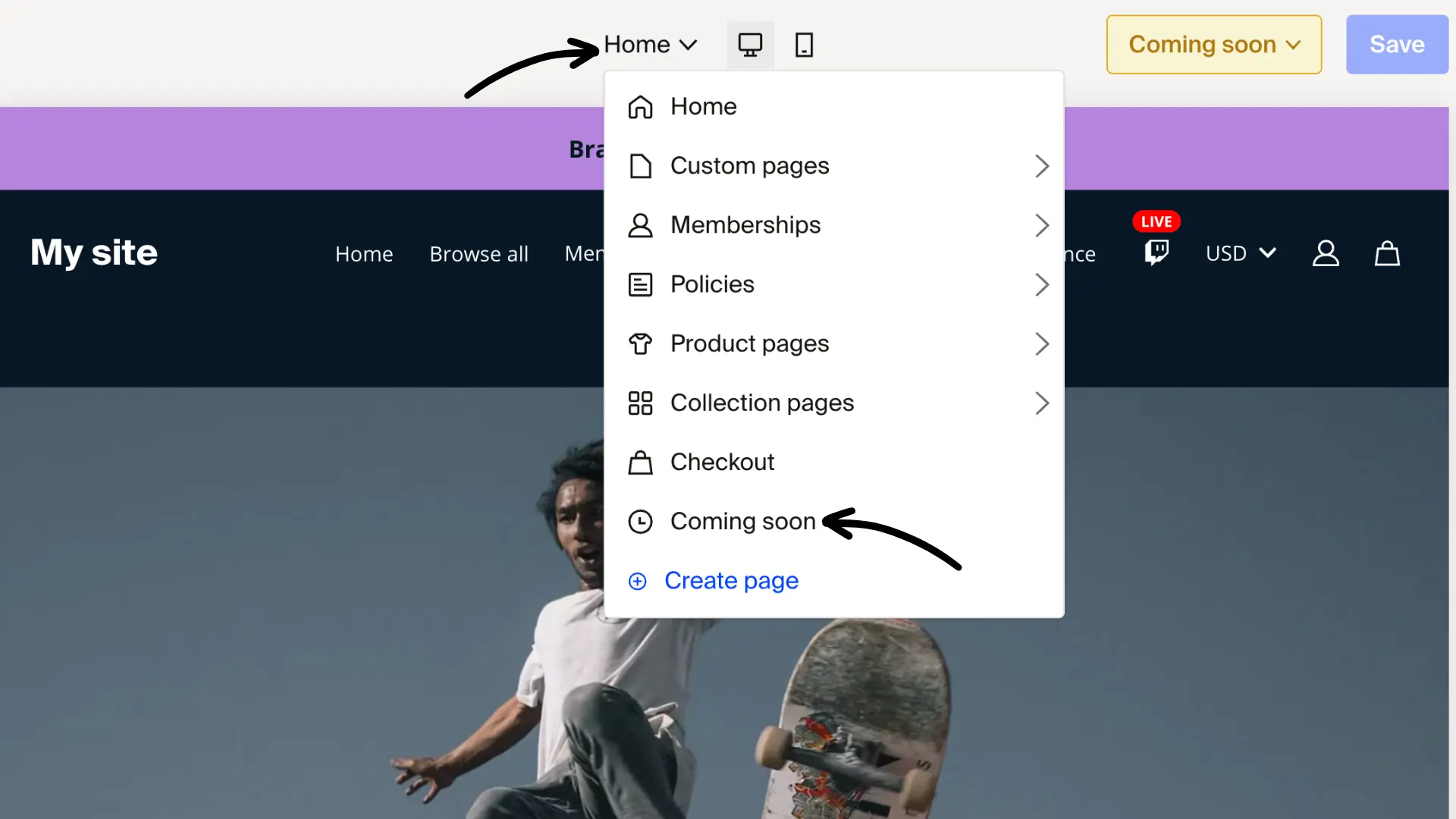
- Toggle between the Layout and Style tabs to adjust the look and feel of your Coming soon page.
Was this helpful?