Create a QR code for your site
Updated July 30, 2025
Easily generate a scannable QR code that takes customers straight to your shop
A QR code is a quick and easy way for customers to access your shop by scanning it with their phone camera.
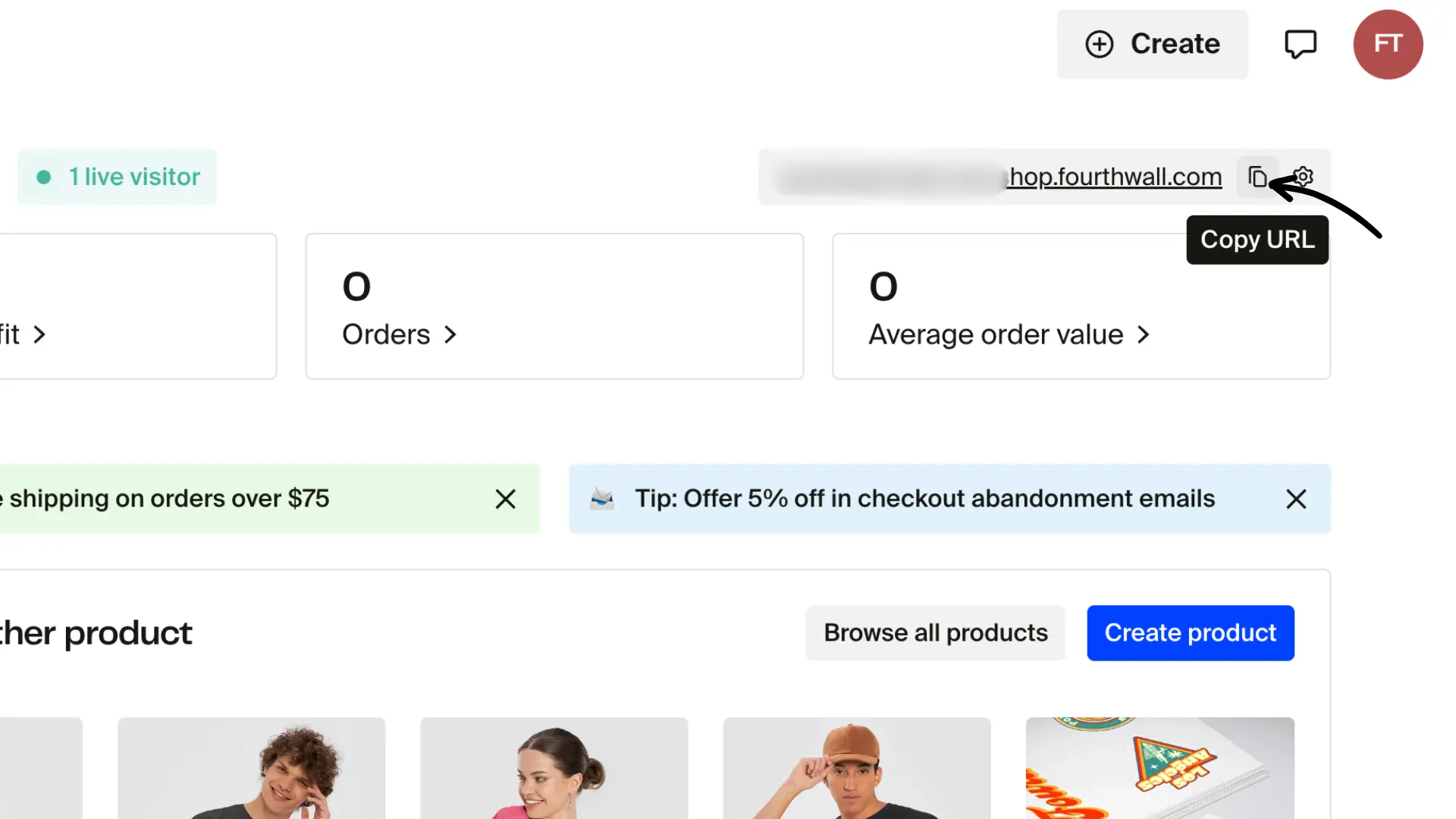
Step 1: Copy your shop URL
You can find your shop URL in the admin dashboard. Just click the copy button as shown in the image below.
Step 2: Open your QR code link
To access your shop's QR code, just add /platform/qr to the end of your shop URL.
For example:
https://yourshopname.fourthwall.com/platform/qr
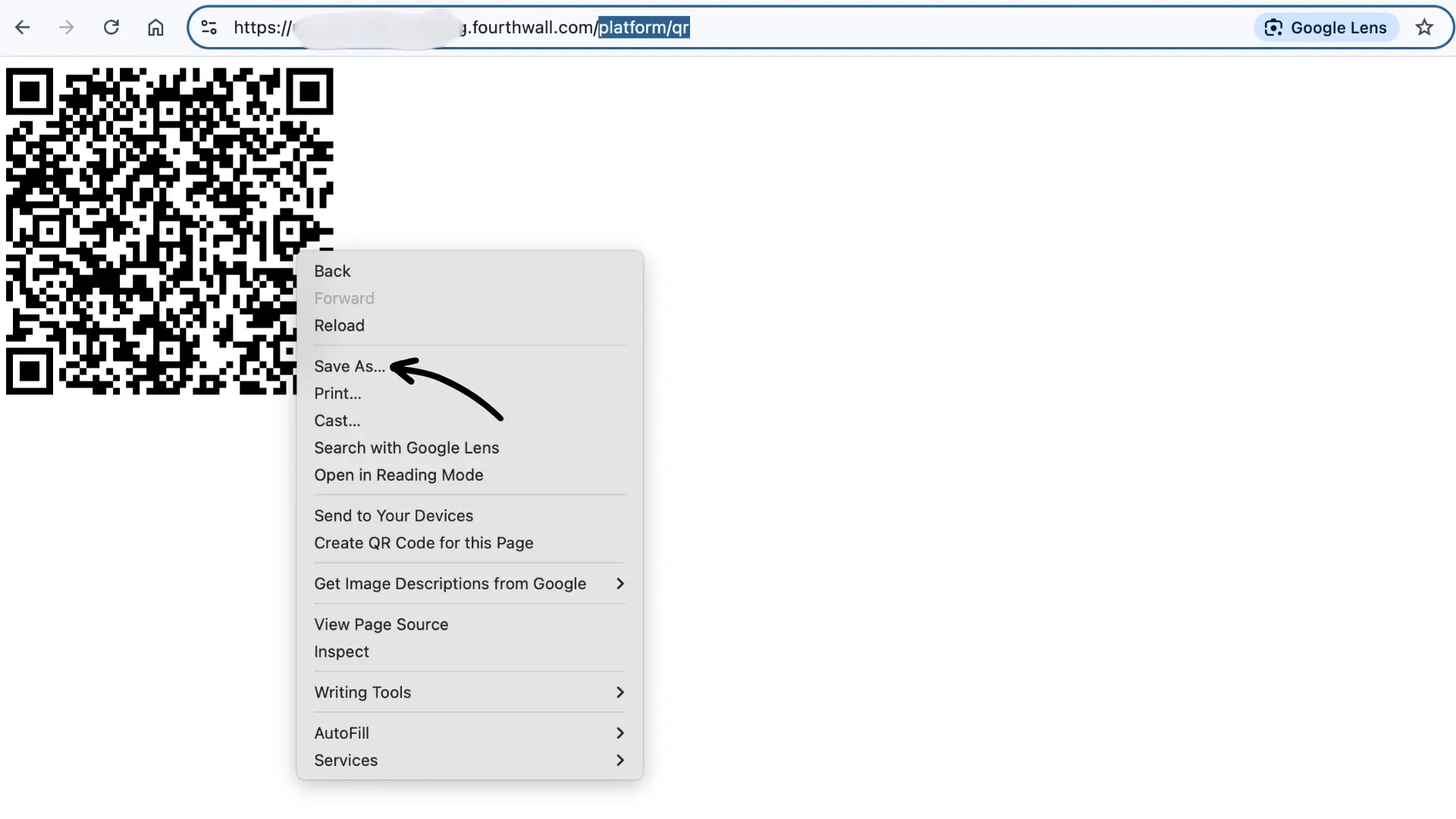
This page will automatically generate a QR code that links directly to your storefront.
Step 3: Download and use your QR code
You can right-click (or long-press on mobile) the QR code image to save it.
We recommend adding it to your:
- Business cards
- Videos/Livestreams (especially since many watch on TVs)
- Flyers and other print material
- Social media posts or stories
The QR code is ready to use; no design tools or extra setup needed.
Always test your QR code by scanning it with your phone before sharing or printing.